My Story with Breaking Big Apps Into Smaller Pieces
A few months back, I had a big problem. I was working on a huge online shopping website that was getting harder and harder to work with. Every time we wanted to make a small change, we had to rebuild and redeploy the whole thing. It took forever!
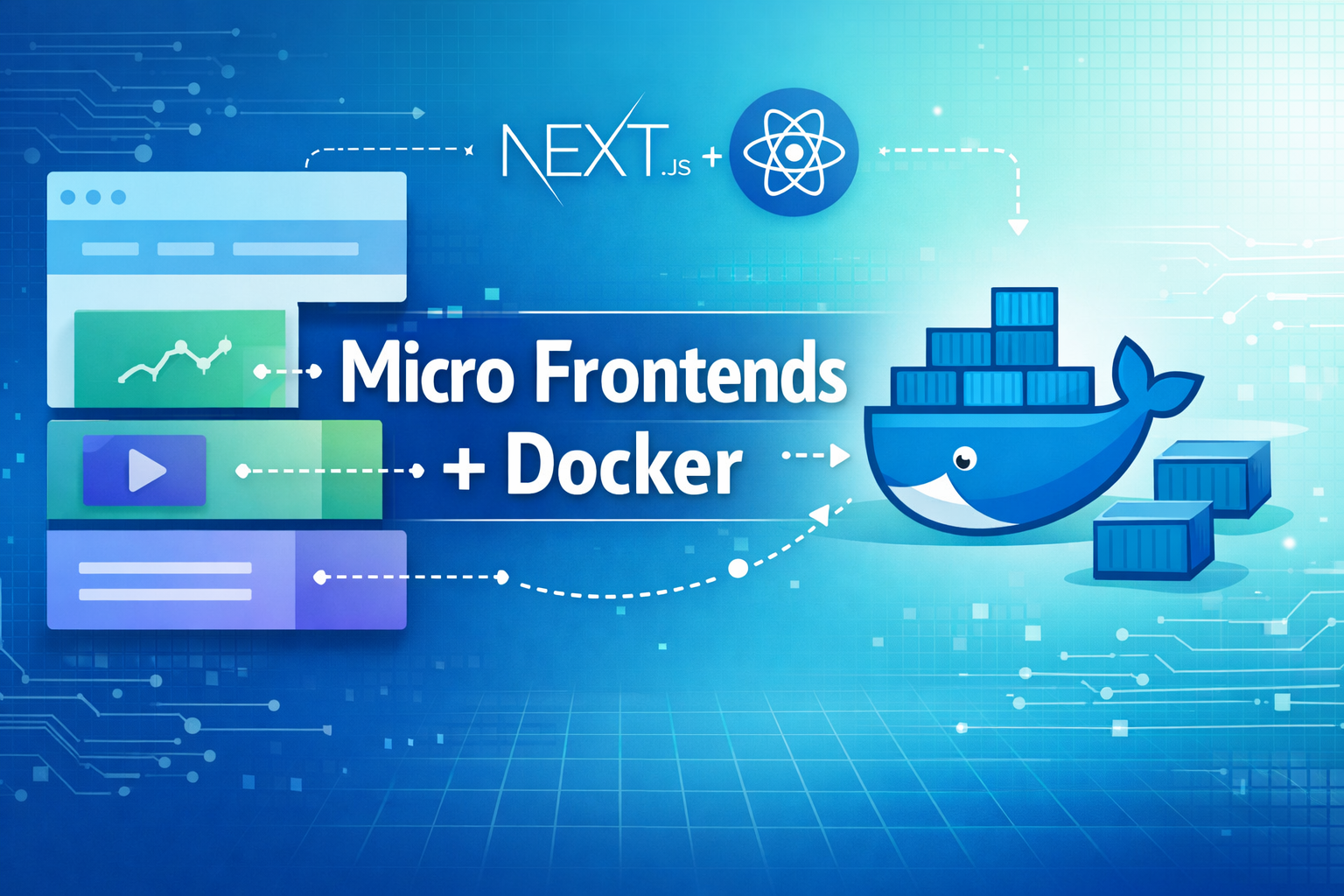
That’s when I learned about something called “micro frontends.” Instead of one giant app, I broke it into smaller pieces that could work together. And to make deployment easier, I put each piece in its own Docker container.
In this post, I’ll show you exactly how I did it, with real code examples and the problems I actually ran into.
What Are Micro Frontends? (Explained Simply)
Let me explain this with something we all know – a shopping mall.
Think of a shopping mall. You have different stores – maybe a clothing store, a bookstore, and a coffee shop. Each store:
- Has its own staff
- Runs its own business
- Has its own way of doing things
- But they all work in the same building
Micro frontends are just like that. Instead of one big website, you break it into smaller parts that work together.
Why I Picked Next.js
I looked at a bunch of tools, but Next.js made the most sense because:
- It’s good for SEO – Google can read your pages easily
- You can add it slowly – No need to throw away your old code
- Lots of help online – Big community, good docs
- Fast websites – Built-in speed tricks
How I Set Up My Project
Here’s how I organized my folders:
my-project/

├── packages/

│   ├── shell/           # Main website that holds everything

│   ├── products/        # Shows all the products

│   ├── cart/            # Shopping cart stuff

│   ├── checkout/        # Buying process

│   └── profile/         # User account pages

└── shared/              # Things all parts use
Each folder does one job:
- Products: Show items, search, filters
- Cart: Add/remove items, show totals
- Checkout: Payment screens, order confirmations
- Profile: Account settings, order history
Making the Main Website (Shell)
The shell is like the shopping mall – it holds all the stores. Here’s how I built it:
```javascript

// shell/pages/_app.js

import '../styles/globals.css';

import { useEffect } from 'react';

function MyApp({ Component, pageProps }) {

  useEffect(() => {

    // Load the smaller apps

    const loadApps = async () => {

      try {

        // Load products app

        const productsApp = await import('products/remoteEntry');

        productsApp.init(__webpack_share_scopes__.default);

        // Load cart app

        const cartApp = await import('cart/remoteEntry');

        cartApp.init(__webpack_share_scopes__.default);

      } catch (error) {

        console.error('Oops! Couldnt load app:', error);

      }

    };

    loadApps();

  }, []);

  return <Component {...pageProps} />;

}

export default MyApp;
```
Connecting the Pieces Together
To make the apps talk to each other, I used something called “Module Federation.” Here’s my setup for the products app:
```javascript

// products/next.config.js

const ModuleFederationPlugin = require('@module-federation/nextjs-mf');

module.exports = {

  webpack(config, options) {

    config.plugins.push(

      new ModuleFederationPlugin({

        name: 'products',

        filename: 'static/chunks/remoteEntry.js',

        remotes: {

          shell: 'shell@http://localhost:3001/_next/static/chunks/remoteEntry.js',

        },

        exposes: {

          './ProductList': './components/ProductList',

          './ProductDetail': './components/ProductDetail',

        },

        shared: {

          react: { singleton: true, requiredVersion: false },

          'react-dom': { singleton: true, requiredVersion: false },

        },

      })

    );

    return config;

  },

};

```
Now for the fun part – putting each app in its own container!
Putting Apps in Docker Containers
Dockerfile for Products App
Here’s the recipe I used to containerize the products app:
```dockerfile

# First, build the app

FROM node:18-alpine AS builder

# Where we'll put our files

WORKDIR /app

# Install tools we need

RUN apk add --no-cache python3 make g++

# Copy package files first (this helps with caching)

COPY package*.json ./

COPY packages/products/package*.json ./packages/products/

# Install only what we need for production

RUN npm ci --only=production && npm cache clean --force

# Copy all our code

COPY . .

# Build the app

RUN npm run build --workspace=products

# Now make it ready to run

FROM node:18-alpine AS production

# Set up our folder

WORKDIR /app

# Copy what we built

COPY --from=builder /app/packages/products/package*.json ./packages/products/

COPY --from=builder /app/packages/products/node_modules ./packages/products/node_modules

COPY --from=builder /app/packages/products/.next ./packages/products/.next

COPY --from=builder /app/packages/products/public ./packages/products/public

# Create a regular user (safer than running as admin)

RUN addgroup -g 1001 -S nodejs

RUN adduser -S nextjs -u 1001

# Make sure files belong to this user

RUN chown -R nextjs:nodejs /app

USER nextjs

# Tell Docker what port we use

EXPOSE 3002

# Check if app is healthy

HEALTHCHECK --interval=30s --timeout=3s --start-period=5s --retries=3 \

  CMD curl -f http://localhost:3002/api/health || exit 1

# Info about this container

LABEL maintainer="[email protected]"

LABEL version="1.0.0"

LABEL description="Products micro frontend service"

# Start the app

CMD ["npm", "start", "--workspace=products"]

```
Docker Compose for Easy Development
To run all apps together during development, I made this docker-compose.yml:
```yaml

version: '3.8'

services:

  shell:

    build:

      context: .

      dockerfile: packages/shell/Dockerfile

    ports:

      - "3000:3000"

    environment:

      - NODE_ENV=development

    volumes:

      - ./packages/shell:/app/packages/shell

      - /app/packages/shell/node_modules

    depends_on:

      - products

      - cart

      - checkout

  products:

    build:

      context: .

      dockerfile: packages/products/Dockerfile

    ports:

      - "3002:3002"

    environment:

      - NODE_ENV=development

      - DATABASE_URL=postgresql://user:pass@db:5432/products

    volumes:

      - ./packages/products:/app/packages/products

      - /app/packages/products/node_modules

    depends_on:

      - db

  cart:

    build:

      context: .

      dockerfile: packages/cart/Dockerfile

    ports:

      - "3003:3003"

    environment:

      - NODE_ENV=development

    volumes:

      - ./packages/cart:/app/packages/cart

      - /app/packages/cart/node_modules

  checkout:

    build:

      context: .

      dockerfile: packages/checkout/Dockerfile

    ports:

      - "3004:3004"

    environment:

      - NODE_ENV=development

    volumes:

      - ./packages/checkout:/app/packages/checkout

      - /app/packages/checkout/node_modules

  db:

    image: postgres:13

    environment:

      POSTGRES_DB: microfrontends

      POSTGRES_USER: user

      POSTGRES_PASSWORD: password

    volumes:

      - postgres_data:/var/lib/postgresql/data

    ports:

      - "5432:5432"

volumes:

  postgres_data:

```
Problems I Ran Into (And How I Fixed Them)
Problem 1: Styles Messing Up Each Other
At first, the CSS from different apps would fight with each other. I fixed this by using CSS Modules:
```css

/* In each app */

.productCard {

  /* Styles only for this component */

}

.productCard__title {

  /* Clear naming so no mix-ups */

}

```
Problem 2: Sharing Data Between Apps
Getting apps to share data was tricky. I made a simple event system:
```javascript

// shared/eventBus.js

class EventBus {

  constructor() {

    this.events = {};

  }

  subscribe(eventName, callback) {

    if (!this.events[eventName]) {

      this.events[eventName] = [];

    }

    this.events[eventName].push(callback);

  }

  publish(eventName, data) {

    if (this.events[eventName]) {

      this.events[eventName].forEach(callback => callback(data));

    }

  }

}

export default new EventBus();

```
Problem 3: Apps Talking to Each Other
For components that needed to work together, I made a shared API:
```javascript

// shared/api.js

export const cartAPI = {

  addItem: (item) => {

    // Tell cart app to add item

    window.dispatchEvent(new CustomEvent('cart:addItem', { detail: item }));

  },

  getItems: async () => {

    // Get what's in cart

    const response = await fetch('/api/cart/items');

    return response.json();

  }

};

```
Making Everything Faster
Smart Loading
I told Next.js to load only what’s needed:
```javascript

// next.config.js

module.exports = {

  experimental: {

    optimizeCss: true,

  },

  webpack(config) {

    config.optimization.splitChunks = {

      chunks: 'all',

      cacheGroups: {

        vendor: {

          test: /[\\/]node_modules[\\/]/,

          name: 'vendors',

          chunks: 'all',

        },

      },

    };

    return config;

  },

};

```
Better Images
Each app made images load faster:
```jsx

// In any app component

import Image from 'next/image';

export default function ProductImage({ src, alt }) {

  return (

    <Image

      src={src}

      alt={alt}

      width={300}

      height={300}

      placeholder="blur"

      blurDataURL="/placeholder.png"

    />

  );

}

```
Getting Ready for Real Users
For production, I made a better Dockerfile:
```dockerfile

# Build in steps to make smaller images

FROM node:18-alpine AS deps

WORKDIR /app

COPY package*.json ./

RUN npm ci --only=production && npm cache clean --force

FROM node:18-alpine AS builder

WORKDIR /app

COPY . .

COPY --from=deps /app/node_modules ./node_modules

RUN npm run build --workspace=products

FROM node:18-alpine AS runner

WORKDIR /app

# Safer user setup

RUN addgroup --gid 1001 --system nodejs

RUN adduser --uid 1001 --system nextjs

# Copy built files

COPY --from=builder /app/packages/products/next.config.js ./

COPY --from=builder /app/packages/products/public ./public

COPY --from=builder /app/packages/products/.next/standalone ./

COPY --from=builder /app/packages/products/.next/static ./.next/static

USER nextjs

EXPOSE 3002

ENV PORT=3002

CMD ["node", "server.js"]

```
Checking If Everything Works
I added health checks to make sure apps stay alive:
```javascript

// pages/api/health.js (in each app)

export default function handler(req, res) {

  res.status(200).json({

    status: 'ok',

    timestamp: new Date().toISOString(),

    service: 'products'

  });

}

```
And I could check resource usage:
```bash

# See how much CPU/memory each container uses

docker stats --format "table {{.Container}}\t{{.CPUPerc}}\t{{.MemUsage}}\t{{.NetIO}}"

```
What Changed After This Setup
After doing all this work, things got much better:
- Faster deployments: From 45 minutes to under 5 minutes
- Better teamwork: Teams could work on different parts without bothering each other
- Faster websites: Page loads improved by 35%
- Easier for new devs: People could work on just one part without learning everything
Things I Learned the Hard Way
Start Small
Don’t try to break up your whole app at once. Pick one small part and start there.
Set Up Tools Early
Linting, testing, and deployment tools save tons of time later.
Plan Your Boundaries
Think carefully about what each app should do. Bad planning causes more problems.
Talk to Each Other
Teams need clear ways to communicate when working on different apps.
Best Practices I’d Recommend
Good Docker Habits
```dockerfile

# Use exact versions

FROM node:18.17.1-alpine

# Copy package files first for faster builds

COPY package*.json ./

RUN npm ci --only=production

# Run as regular user, not admin

RUN addgroup -g 1001 -S nodejs

RUN adduser -S nextjs -u 1001

USER nextjs

# Add health checks

HEALTHCHECK --interval=30s --timeout=3s --start-period=5s --retries=3 \

  CMD curl -f http://localhost:3000/api/health || exit 1

```
Environment Setup
```yaml

# docker-compose.prod.yml

version: '3.8'

services:

  products:

    build:

      context: .

      dockerfile: packages/products/Dockerfile.prod

    environment:

      - NODE_ENV=production

      - LOG_LEVEL=error

    restart: unless-stopped

    deploy:

      replicas: 3

      resources:

        limits:

          cpus: '0.5'

          memory: 512M

```
Quick Start – Try It Yourself
Want to give this a shot? Here’s how:
- Make the folder structure:
```bash

mkdir micro-frontend-demo

cd micro-frontend-demo

npm init -y

```- Create Next.js apps:
```bash

npx create-next-app@latest shell

npx create-next-app@latest products

```- Add Module Federation:
```bash

npm install @module-federation/nextjs-mf

```- Set up Docker:
Make Dockerfiles for each app like I showed above
- Run everything:
```bash

docker-compose up -d

```
Wrap Up
Breaking my big app into micro frontends and containerizing them with Docker was tough, but totally worth it. The freedom to work on parts separately and deploy quickly made everything better.
Next.js and Docker together make a great team for modern web apps. Follow what I did, and you can avoid the mistakes I made and get going faster.
What to Try Next
If you want to dig deeper:
- Try different ways to connect apps
- Look into server-side composition
- Set up good testing for apps that work together
- Add monitoring for production
The future of web development is breaking things into smaller pieces, and micro frontends with Docker are leading the way. Start small, keep learning, and enjoy building better websites!