DNS Load Balancing and Failover Explained
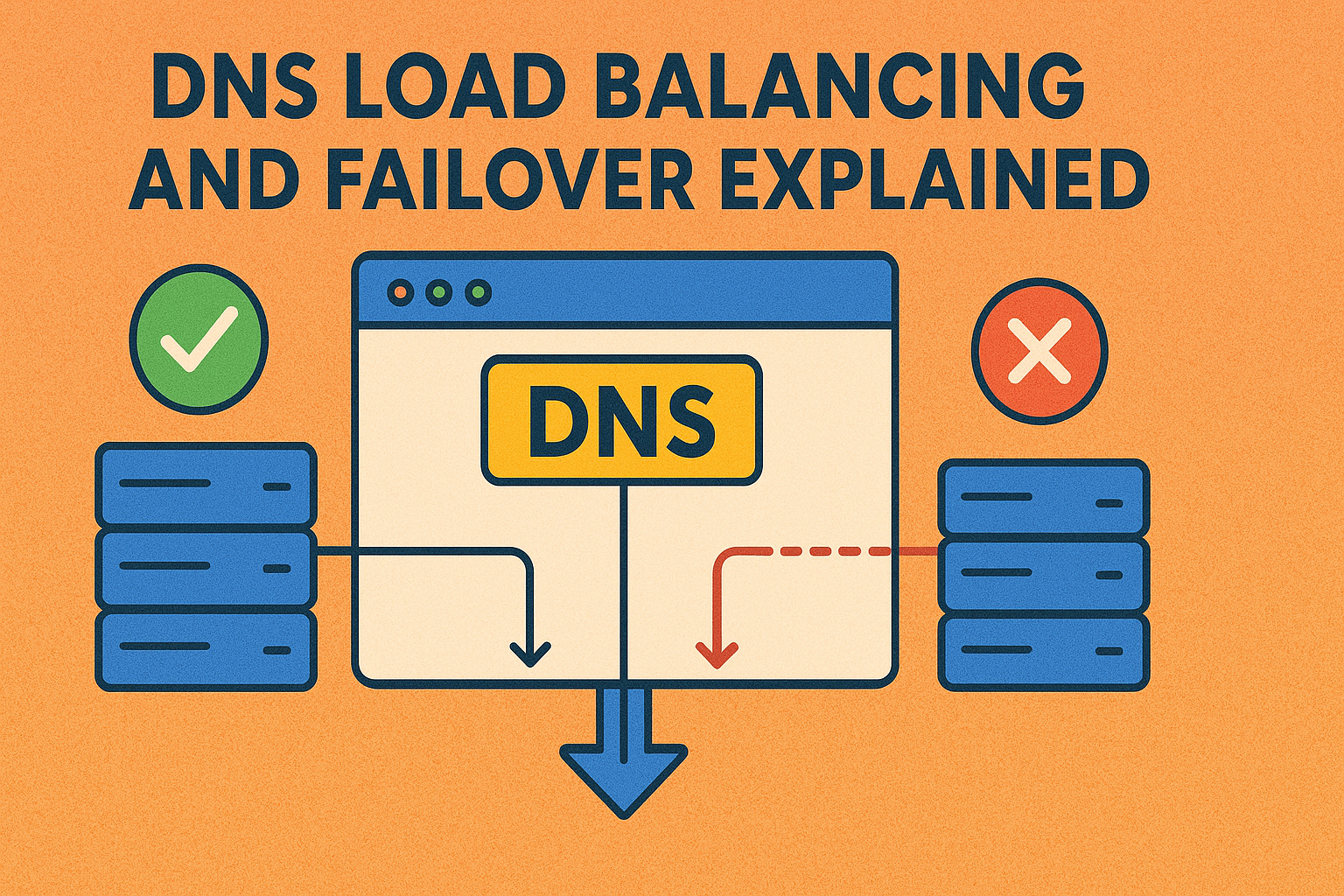
📋 Topic Synopsis
No excerpt available
Have you ever wondered how websites like Google or Facebook handle millions of visitors simultaneously? Or what happens when one of their servers goes down? The answer often lies in DNS load balancing and failover - techniques that distribute traffic and maintain availability even when parts of the infrastructure fail.
In this topic on DNS server, we'll explore how DNS can be used for load distribution and high availability, making your services more robust and scalable.
1. What Is DNS Load Balancing?
Round Robin
Round robin is the simplest form of DNS load balancing. Multiple A records are configured for the same domain name, and DNS servers rotate through them in sequence.
Example zone file:
@    IN    A    192.168.1.100
@    IN    A    192.168.1.101
@    IN    A    192.168.1.102
When clients query for the IP address, the DNS server rotates through these addresses:
- First query: returns 192.168.1.100
- Second query: returns 192.168.1.101
- Third query: returns 192.168.1.102
- Fourth query: returns 192.168.1.100 (starts over)
This distributes load roughly evenly across all servers, though it doesn't account for server capacity or current load.
Advantages of Round Robin
Benefits of this simple approach:
- Easy Implementation: Minimal configuration required
- Automatic Distribution: Equal distribution without management overhead
- Cost Effective: No additional hardware or software needed
- Built-in Redundancy: Failure of one server doesn't affect others
Limitations of Round Robin
Drawbacks to consider:
- No Intelligence: Doesn't consider server health or capacity
- Uneven Distribution: Caching can cause imbalanced load
- Session Persistence: No guarantee users return to same server
- Static Allocation: Cannot adapt to real-time conditions
Weighted DNS
Weighted DNS allows you to specify how much traffic each server should receive. This is useful when you have servers with different capacities.
Example weighted records:
@    IN    A    192.168.1.100    ; Weight: 3
@    IN    A    192.168.1.101    ; Weight: 1
In this example, the first server would receive approximately 75% of traffic (3 out of 4 requests), while the second gets 25%.
Weighted Distribution Mechanics
How weighted distribution works:
- Weight Assignment: Administrators assign weights based on capacity
- Probability Calculation: Higher weights increase selection probability
- Random Selection: Servers chosen based on weighted probabilities
- Statistical Distribution: Long-term averages match weight ratios
Advanced Weighting Strategies
Sophisticated weighting approaches:
- Capacity-Based: Weights reflect CPU, memory, or bandwidth
- Geographic Proximity: Weights favor closer servers
- Performance Metrics: Weights adjusted based on real-time performance
- Business Requirements: Weights aligned with service level objectives
2. DNS for High Availability
Failover with Health Checks
Basic DNS doesn't inherently provide failover - if a server goes down, DNS continues sending traffic to it. However, many managed DNS services offer health checks that automatically remove unhealthy servers from DNS responses.
How it works:
- DNS service continuously monitors your servers
- When a server fails health checks, it's removed from DNS responses
- All traffic goes to healthy servers
- When the server recovers, it's added back
Health Check Mechanisms
Types of health checks available:
- HTTP/S Checks: Verify web server responses
- TCP Checks: Test port connectivity
- ICMP Ping: Basic network connectivity
- DNS Queries: Validate DNS server functionality
- Custom Scripts: Execute specific validation logic
Failover Trigger Conditions
Criteria for initiating failover:
- Multiple Failed Checks: Require consecutive failures
- Timeout Thresholds: Define acceptable response times
- Degraded Performance: Switch on performance degradation
- Manual Override: Administrator-initiated failover
Active-Passive Setups
In active-passive configurations, one server handles all traffic while others stand by ready to take over.
Example setup:
@    IN    A    192.168.1.100    ; Primary (active)
@    IN    A    192.168.1.101    ; Secondary (passive)
Health checks ensure traffic only goes to the passive server when the primary fails.
Active-Passive Variations
Different failover configurations:
- Single Standby: One backup for multiple primaries
- Multiple Standby: Several backups for redundancy
- Hot Standby: Fully operational backup systems
- Warm Standby: Partially configured backup systems
- Cold Standby: Minimal backup requiring activation time
Active-Active Configurations
Modern approaches favor active-active setups:
@    IN    A    192.168.1.100    ; Server 1 (active)
@    IN    A    192.168.1.101    ; Server 2 (active)
@    IN    A    192.168.1.102    ; Server 3 (active)
All servers actively serve traffic with automatic redistribution on failure.
3. Global Traffic Management
GeoDNS
GeoDNS directs users to servers based on their geographic location. This reduces latency by connecting users to nearby servers.
Example configuration:
- Users in North America → 192.168.1.100
- Users in Europe → 192.168.1.101
- Users in Asia → 192.168.1.102
This requires DNS servers that can determine client location, typically available through managed DNS providers.
Geographic Mapping Strategies
Advanced GeoDNS implementations:
- Country-Level: Route by country boundaries
- Region-Level: Route by broader geographic regions
- City-Level: Route by specific metropolitan areas
- ASN-Based: Route by network provider
- Custom Regions: Define business-specific geographic zones
Geolocation Accuracy
Factors affecting location determination:
- IP Geolocation Databases: Accuracy varies by vendor
- Network Topology: Routing affects perceived location
- Mobile Networks: Cell tower locations may differ from user
- VPNs/Proxies: Can obscure true user location
- Database Updates: Regular updates needed for accuracy
Latency-Based Routing
More sophisticated than GeoDNS, latency-based routing actually measures network performance to determine the best server for each user.
Process:
- DNS service measures latency to each server from different locations
- When a query comes in, it selects the server with the lowest measured latency
- Users are directed to the fastest server regardless of geography
Latency Measurement Techniques
Methods for measuring network performance:
- Continuous Probing: Regular latency tests to all endpoints
- Real User Measurements: Collect data from actual user requests
- Predictive Modeling: Forecast performance based on historical data
- Hybrid Approaches: Combine multiple measurement techniques
Performance Optimization
Advanced latency-based routing features:
- Dynamic Weighting: Adjust weights based on real-time performance
- Threshold-Based Switching: Only switch when performance difference is significant
- Gradual Migration: Slowly shift traffic to better-performing servers
- Performance History: Use historical data to predict future performance
4. Advanced DNS Load Balancing Techniques
Priority-Based Routing
Implement priority levels for traffic distribution:
@    IN    A    192.168.1.100    ; Priority 1 (primary)
@    IN    A    192.168.1.101    ; Priority 2 (secondary)
@    IN    A    192.168.1.102    ; Priority 3 (tertiary)
Higher priority servers handle traffic until they fail.
Priority Management
Priority-based routing considerations:
- Failover Sequences: Define clear escalation paths
- Performance Thresholds: Switch based on performance metrics
- Capacity Planning: Ensure lower priority servers can handle overflow
- Graceful Degradation: Maintain service quality during failover
Content-Based Routing
Route traffic based on request characteristics:
- Device Type: Mobile vs. desktop optimized servers
- Language: Locale-specific content servers
- User Segment: Premium vs. standard service tiers
- Request Type: API vs. web interface servers
Random Load Distribution
Pure random distribution for simple scenarios:
@    IN    A    192.168.1.100
@    IN    A    192.168.1.101
@    IN    A    192.168.1.102
Select servers randomly for each query without rotation.
5. DNS Load Balancing Limitations and Solutions
No Session Awareness
DNS load balancing has no concept of user sessions. If a user makes multiple requests, each might go to a different server, breaking session continuity unless you have shared session storage.
Session Persistence Solutions
Approaches to maintain session continuity:
- Shared Storage: Database or cache shared across servers
- Sticky Sessions: Client IP-based routing (limited effectiveness)
- Session Tokens: Encoded session information in URLs
- Centralized Authentication: Single sign-on systems
No Health Verification (Without Special Tools)
Standard DNS doesn't verify server health. A server could be completely down, but DNS would still send traffic to it. This requires additional tools or managed DNS services.
Health Monitoring Integration
Implementing health verification:
- External Monitoring: Third-party health check services
- Self-Reporting: Servers report their own status
- Synthetic Transactions: Simulate user interactions
- Multi-Point Validation: Check from multiple geographic locations
Caching Issues
DNS caching can interfere with load balancing:
- Clients cache DNS responses according to TTL
- During that time, they'll always use the same server
- Load distribution becomes uneven
Lower TTL values can help but increase DNS query load.
Cache Management Strategies
Balancing caching with load distribution:
- Adaptive TTL: Adjust based on traffic patterns
- Cache Busting: Force refresh for critical changes
- Client-Side Management: Browser-level cache control
- Edge Computing: Reduce reliance on central DNS caching
6. Real Deployment Examples and Architectures
Simple Web Farm
A small business with three web servers:
www    IN    A    192.168.1.100
www    IN    A    192.168.1.101
www    IN    A    192.168.1.102
Combined with a shared database and load balancer, this provides basic redundancy.
Implementation Considerations
Small deployment best practices:
- Shared Resources: Centralized database and file storage
- Configuration Management: Consistent server configurations
- Monitoring: Basic health and performance monitoring
- Backup Strategy: Regular data backups and recovery procedures
Multi-Region Enterprise
Large companies often deploy globally:
; North America
www.na.example.com    IN    A    203.0.113.100

; Europe
www.eu.example.com    IN    A    203.0.113.101

; Asia
www.asia.example.com    IN    A    203.0.113.102
With GeoDNS, users automatically connect to their regional endpoint.
Global Architecture Components
Enterprise global deployment elements:
- Regional Data Centers: Local infrastructure in each region
- Content Replication: Synchronized data across regions
- Compliance Considerations: Data sovereignty requirements
- Disaster Recovery: Cross-region backup and recovery
Hybrid Cloud Setup
Combining on-premises and cloud infrastructure:
@    IN    A    192.168.1.100    ; On-premises (weight: 3)
@    IN    A    203.0.113.100    ; Cloud (weight: 1)
This keeps most traffic on-premises while using cloud resources for overflow.
Hybrid Cloud Strategies
Advanced hybrid approaches:
- Burst Capacity: Automatically scale to cloud during peak demand
- Disaster Recovery: Cloud backup for on-premises systems
- Development Environments: Cloud-based testing and staging
- Specialized Services: Cloud-native services integrated with on-premises
Microservices Architecture
Modern microservices deployments:
api.users.example.com    IN    A    192.168.1.100
api.orders.example.com   IN    A    192.168.1.101
api.inventory.example.com IN    A    192.168.1.102
Each service independently load balanced and scaled.
Service Mesh Integration
Microservices load balancing considerations:
- Service Discovery: Dynamic DNS record updates
- Health Monitoring: Per-service health checks
- Traffic Shaping: Fine-grained routing controls
- Security Policies: Service-to-service authentication
7. Monitoring and Performance Optimization
Load Distribution Analytics
Track and analyze traffic distribution:
- Query Volume: Monitor DNS query rates
- Server Utilization: Measure actual server load
- Response Times: Track user experience metrics
- Failover Events: Log and analyze failover incidents
Performance Dashboards
Visualization tools for DNS load balancing:
- Real-Time Monitoring: Current traffic distribution
- Historical Analysis: Trend identification and capacity planning
- Alert Systems: Automated notifications for anomalies
- Reporting: Regular performance and availability reports
Automated Scaling Integration
Coordinate with auto-scaling systems:
- Dynamic Record Updates: Add/remove servers automatically
- Capacity-Based Weighting: Adjust weights based on resource availability
- Health Status Synchronization: Align DNS with infrastructure health
- Predictive Scaling: Anticipate demand and pre-scale resources
8. Summary & Key Takeaways
DNS load balancing and failover are powerful tools for improving service availability and performance. Here are the essential points to remember:
- Foundation Technique: DNS-based load balancing is simple but effective
- Multiple Approaches: Round robin, weighted, geographic, and latency-based routing
- High Availability: Failover capabilities with proper health monitoring
- Global Reach: GeoDNS and latency-based routing for worldwide deployments
- Limitation Awareness: Understand caching, session, and health check constraints
- Architecture Alignment: Match load balancing strategy to deployment architecture
- Monitoring Importance: Continuous monitoring for optimal performance
- Evolution Path: Progress from simple to sophisticated load balancing approaches
While they have limitations compared to dedicated load balancers, they're often sufficient for many applications and are much simpler to implement. Understanding these techniques helps you design more resilient and scalable internet services.
Whether you're managing a small web presence or global enterprise infrastructure, DNS load balancing and failover techniques provide valuable tools for maintaining service availability and optimizing user experience. By carefully selecting and implementing the right approaches for your specific needs, you can build robust, scalable systems that continue serving users even in the face of infrastructure challenges.