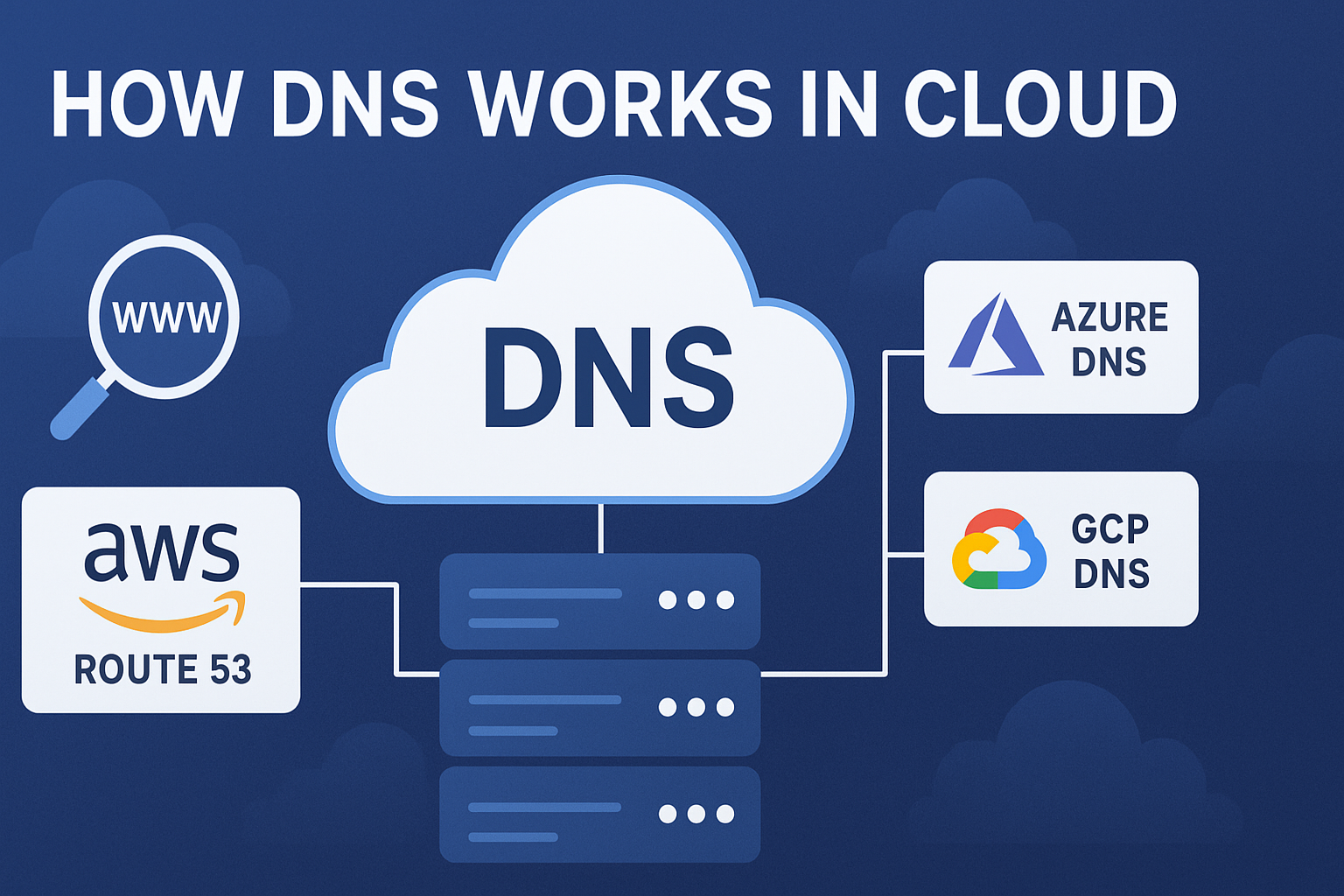
How DNS Works in Cloud (AWS Route 53, Azure DNS, GCP DNS)
📋 Topic Synopsis
No excerpt available
Cloud DNS services have revolutionized how organizations manage their domain name systems. Instead of running your own DNS servers, you can leverage highly available, scalable DNS infrastructure provided by cloud giants like Amazon, Microsoft, and Google.
In this topic on DNS server, we'll explore how DNS works in major cloud platforms and help you understand which service might be right for your needs.
1. Introduction to Cloud DNS
Why Cloud DNS Is Popular
Managed DNS services have become incredibly popular for several compelling reasons:
Reliability: Cloud providers operate DNS infrastructure across multiple global locations, ensuring high availability even if some data centers experience issues.
Performance: With Points of Presence (PoPs) worldwide, cloud DNS services can respond to queries from locations closer to your users, reducing latency.
Scalability: Cloud DNS automatically scales to handle traffic spikes without any intervention from you.
Integration: These services integrate seamlessly with other cloud resources, making it easier to manage your entire infrastructure.
Security: Built-in DDoS protection and advanced security features that would be expensive and complex to implement on your own.
Evolution of DNS Management
The shift to cloud DNS represents a fundamental change:
- Traditional Approach: Self-managed BIND or Windows DNS servers
- Cloud Approach: Fully managed, globally distributed services
- Hybrid Approach: Combination of on-premises and cloud DNS
Cloud DNS Architecture
Modern cloud DNS services typically feature:
- Global Anycast Network: Same IP address from multiple locations
- Automated Failover: Instant recovery from infrastructure failures
- Real-Time Updates: Immediate propagation of DNS changes
- Integrated Monitoring: Built-in health checking and analytics
2. Amazon Route 53
Amazon Route 53 is AWS's DNS service, named after the famous Route 66 highway and port 53 (the DNS port).
Hosted Zones
A hosted zone is Amazon's term for a DNS zone file. When you create a hosted zone for example.com, Route 53 provisions the necessary infrastructure to serve DNS queries for that domain.
Types of hosted zones:
- Public hosted zones: Serve DNS records to the internet
- Private hosted zones: Serve records only within your VPCs
Hosted Zone Management
Advanced hosted zone features:
- Zone Delegation: Subdomain delegation to different teams
- Cross-Account Sharing: Share zones between AWS accounts
- Tagging: Organize zones with metadata tags
- Version Control: Integration with AWS Config for change tracking
Routing Policies
Route 53 offers sophisticated routing policies:
Simple Routing: Basic one-record-to-one-resource mapping.
Weighted Routing: Distribute traffic between resources based on weights you assign.
Latency-Based Routing: Route traffic to the resource with the lowest latency for the user.
Failover Routing: Send traffic to a primary resource, failing over to a secondary when the primary is unhealthy.
Geolocation Routing: Route based on users' geographic locations.
Multivalue Answer Routing: Return multiple healthy records for DNS queries.
Geoproximity Routing: Route traffic based on geographic location of users and resources (requires Traffic Flow).
Advanced Routing Capabilities
Enhanced routing features:
- Traffic Flow: Visual editor for complex routing policies
- Traffic Policies: Reusable routing configurations
- Endpoint Groups: Logical grouping of resources
- Bias Adjustments: Fine-tune geoproximity routing
Health Checks
Route 53's health checks monitor your resources and automatically adjust DNS responses based on health status. You can monitor:
- Endpoint health (HTTP/HTTPS)
- Other health checks (dependent monitoring)
- Calculated health checks (combine multiple checks)
Health Check Types
Comprehensive health monitoring options:
- HTTP/HTTPS: Check web server responses
- TCP: Test port connectivity
- Calculated: Combine multiple health checks
- CloudWatch: Integrate with CloudWatch alarms
Health Check Configuration
Advanced health check settings:
- Request Interval: Frequency of health checks (30 seconds default)
- Failure Threshold: Number of consecutive failures before unhealthy
- Regions: Geographic locations for health check probes
- Alarm Integration: Connect to CloudWatch for complex monitoring
Integration with AWS Services
Seamless AWS ecosystem integration:
- EC2 Auto Scaling: Automatic DNS record updates
- Elastic Load Balancing: Integration with ALBs and NLBs
- S3 Websites: Simple website hosting with custom domains
- CloudFront: CDN distribution integration
- API Gateway: Custom domain mappings
3. Azure DNS
Azure DNS is Microsoft's managed DNS service, tightly integrated with other Azure services.
DNS Zones
Azure DNS uses "DNS zones" similar to Route 53's hosted zones. You can create:
- Public DNS zones: Available on the internet
- Private DNS zones: Resolvable only within Azure virtual networks
Zone Management Features
Advanced Azure DNS zone capabilities:
- Zone Transfer: Import existing DNS zones
- Zone Export: Export zone files for backup
- Alias Records: Simplified record management
- Virtual Network Links: Connect zones to VNets
NS Management
Azure automatically assigns nameservers when you create a DNS zone. You then update your domain registrar with these nameserver records to delegate your domain to Azure DNS.
Nameserver Management
Nameserver handling features:
- Automatic Provisioning: Azure manages nameserver infrastructure
- SLA Guarantees: 100% availability承诺
- Global Distribution: Worldwide nameserver presence
- Security Features: Protection against DDoS attacks
Integration Benefits
Azure DNS excels in Microsoft-centric environments:
- Seamless integration with Azure Traffic Manager
- Native support in Azure Resource Manager templates
- Integration with Azure Private Link
- Support for Azure Virtual Networks
Advanced Azure Integrations
Deep Microsoft ecosystem integration:
- Active Directory: Integration with Azure AD Domain Services
- Application Gateway: Load balancer integration
- Front Door: Global load balancing service
- Traffic Manager: Legacy traffic routing service
Security Features
Azure DNS security capabilities:
- Azure DNS Private Zones: Secure internal name resolution
- Role-Based Access Control: Granular permission management
- Audit Logging: Comprehensive activity tracking
- DDoS Protection: Built-in denial-of-service protection
4. Google Cloud DNS
Google Cloud DNS leverages Google's global infrastructure, the same systems that power Google's own services.
Zone Creation
Creating zones in Google Cloud DNS:
- Navigate to the Cloud DNS section in Google Cloud Console
- Create a new managed zone
- Configure basic settings (zone name, DNS name, description)
- Google automatically provisions nameservers
Advanced Zone Management
Enhanced zone creation features:
- DNS Peering: Share DNS zones between projects
- Cross-project References: Reference zones in different projects
- Managed Zone Labels: Organize zones with key-value pairs
- DNS Logging: Track DNS query activity
Record Management
Google Cloud DNS supports all standard DNS record types:
- A, AAAA, CNAME, MX, TXT, SRV, etc.
- Bulk import/export via zone files
- API access for programmatic management
Record Management Features
Advanced record handling capabilities:
- Batch Operations: Create/update/delete multiple records
- Record Set Transactions: Atomic record updates
- Wildcards: Support for wildcard DNS records
- TTL Management: Flexible time-to-live settings
Performance Features
Google Cloud DNS benefits from:
- Global anycast network
- Low-latency responses worldwide
- Automatic scaling
- 100% SLA availability commitment
Global Infrastructure
Google's DNS infrastructure advantages:
- Anycast Network: Same IP from multiple locations
- Edge Locations: Closest server response
- Content Caching: Integrated with Google's CDN
- Machine Learning: Intelligent routing optimizations
Security and Compliance
Google Cloud DNS security features:
- DNSSEC Support: Cryptographic authentication
- IAM Integration: Identity and access management
- Audit Logging: Comprehensive activity tracking
- Compliance Certifications: SOC, ISO, and other standards
5. Comprehensive Comparison of Cloud DNS Services
Performance Analysis
All three services offer excellent performance, but differences exist:
Route 53:
- Largest global footprint with over 100 PoPs
- Advanced routing policies for optimization
- Integration with CloudFront CDN
Azure DNS:
- Strong in regions with heavy Azure presence
- Optimized for Microsoft ecosystem
- Integration with Azure CDN
Google Cloud DNS:
- Leverages Google's extensive network infrastructure
- Fastest resolution times in many benchmarks
- Integration with Google Cloud CDN
Performance Metrics
Key performance indicators:
- Query Latency: Average response time
- Availability: Uptime percentage
- Global Coverage: Geographic distribution
- Scalability: Handling traffic spikes
Pricing Structures
Pricing structures vary:
Route 53:
- Charges per hosted zone ($0.50/month)
- Charges per million queries ($0.40/million)
- Health checks ($0.75/health check/month)
Azure DNS:
- Free for DNS queries
- Charges for zones ($0.50/month per zone)
- Health checks included
Google Cloud DNS:
- Free for DNS queries
- Charges for zones ($0.20/month per zone)
- No additional query costs
Cost Optimization
Strategies for cost-effective DNS management:
- Zone Consolidation: Combine related domains
- Query Optimization: Reduce unnecessary DNS queries
- Health Check Management: Use calculated health checks
- TTL Optimization: Balance performance with query costs
Feature Comparison Matrix
| Feature | Route 53 | Azure DNS | Google Cloud DNS |
|---|---|---|---|
| Routing Policies | Extensive | Moderate | Basic |
| Health Checks | Advanced | Good | Good |
| Private DNS | Yes | Yes | Yes |
| DNSSEC | Yes | Yes | Yes |
| API Access | Excellent | Good | Excellent |
| Integration | AWS Ecosystem | Microsoft Ecosystem | Google Ecosystem |
Security Features Comparison
Security capabilities across platforms:
- DDoS Protection: All offer built-in protection
- DNSSEC Support: All support cryptographic validation
- Access Controls: IAM/RBAC integration in all
- Audit Logging: Comprehensive logging in all
- Private Zones: Secure internal DNS resolution
6. Advanced Cloud Automation Examples
Infrastructure as Code
Manage DNS with infrastructure-as-code tools:
Terraform example for Route 53:
resource "aws_route53_zone" "primary" {
  name = "example.com"
  tags = {
    Environment = "production"
  }
}

resource "aws_route53_record" "www" {
  zone_id = aws_route53_zone.primary.zone_id
  name    = "www.example.com"
  type    = "A"
  ttl     = "300"
  records = ["192.0.2.1"]
}

resource "aws_route53_health_check" "endpoint" {
  fqdn              = "www.example.com"
  type              = "HTTPS"
  resource_path     = "/"
  failure_threshold = "3"
  request_interval  = "30"
}
Azure CLI example:
# Create DNS zone
az network dns zone create \
  --resource-group MyResourceGroup \
  --name example.com

# Add A record
az network dns record-set a add-record \
  --resource-group MyResourceGroup \
  --zone-name example.com \
  --record-set-name www \
  --ipv4-address 192.0.2.1

# Create health check
az network traffic-manager profile create \
  --name myprofile \
  --resource-group MyResourceGroup \
  --routing-method Performance \
  --unique-dns-name myprofile \
  --ttl 30 \
  --protocol HTTP \
  --port 80 \
  --path "/"
Google Cloud CLI example:
# Create managed zone
gcloud dns managed-zones create example-zone \
  --dns-name example.com. \
  --description "Example zone"

# Start transaction
gcloud dns record-sets transaction start \
  --zone=example-zone

# Add record
gcloud dns record-sets transaction add 192.0.2.1 \
  --name=www.example.com. \
  --ttl=300 \
  --type=A \
  --zone=example-zone

# Execute transaction
gcloud dns record-sets transaction execute \
  --zone=example-zone
CI/CD Integration
Automate DNS updates in deployment pipelines:
GitHub Actions Example:
name: Deploy DNS Changes
on:
  push:
    branches: [ main ]

jobs:
  deploy-dns:
    runs-on: ubuntu-latest
    steps:
    - name: Checkout
      uses: actions/checkout@v2

    - name: Configure AWS Credentials
      uses: aws-actions/configure-aws-credentials@v1
      with:
        aws-access-key-id: ${{ secrets.AWS_ACCESS_KEY_ID }}
        aws-secret-access-key: ${{ secrets.AWS_SECRET_ACCESS_KEY }}
        aws-region: us-east-1

    - name: Update DNS Records
      run: |
        terraform init
        terraform apply -auto-approve
Monitoring and Alerting
Implement comprehensive DNS monitoring:
CloudWatch Integration (Route 53):
resource "aws_cloudwatch_metric_alarm" "high_dns_queries" {
  alarm_name          = "high-dns-queries"
  comparison_operator = "GreaterThanThreshold"
  evaluation_periods  = "2"
  metric_name         = "Queries"
  namespace           = "AWS/Route53"
  period              = "300"
  statistic           = "Sum"
  threshold           = "10000"
  alarm_description   = "DNS query volume is unusually high"
  alarm_actions       = [aws_sns_topic.ops_team.arn]
}
7. Best Practices for Cloud DNS Management
Zone Organization
Effective DNS zone management:
- Hierarchical Structure: Organize zones by business units
- Naming Conventions: Consistent zone naming standards
- Tagging Strategy: Metadata for zone classification
- Access Control: Principle of least privilege
Security Implementation
Security best practices:
- Enable DNSSEC: Cryptographic validation for all zones
- Restrict Zone Transfers: Limit who can query zone data
- Monitor Changes: Audit all DNS modifications
- Regular Reviews: Periodic security assessments
Performance Optimization
Performance enhancement strategies:
- Optimal TTL Settings: Balance caching with update frequency
- Geographic Routing: Route users to closest resources
- Health Monitoring: Proactive infrastructure monitoring
- Query Reduction: Minimize unnecessary DNS lookups
8. Summary & Key Takeaways
Cloud DNS services represent the modern approach to DNS management, offering reliability, performance, and features that would be challenging to replicate with self-managed infrastructure. Here are the essential points to remember:
- Platform Selection: Choose based on existing cloud investments and requirements
- Feature Comparison: Route 53 leads in routing policies, Azure in Microsoft integration, Google in performance
- Cost Management: Understand pricing models to optimize expenses
- Security Integration: Leverage built-in security features for protection
- Automation Benefits: Use infrastructure-as-code for consistent management
- Monitoring Importance: Implement comprehensive monitoring and alerting
- Best Practices: Follow established guidelines for optimal results
Whether you choose AWS Route 53, Azure DNS, or Google Cloud DNS largely depends on your existing cloud investments and specific requirements. All three provide enterprise-grade DNS services that can scale with your organization's growth.
As cloud adoption continues to expand, understanding these DNS services becomes increasingly important for IT professionals and decision-makers. By leveraging the capabilities of cloud DNS providers, organizations can build more resilient, performant, and manageable DNS infrastructures that support their digital transformation initiatives.